E-commerce Welcome Email Sequence: A Practical Four-Email Plan
An e-commerce welcome email sequence should do more than deliver a discount. It introduces the store, helps a new subscriber find a useful starting point, answers early trust questions, and creates a clear path toward a first purchase without overwhelming the inbox.
For a small online store, the best sequence is usually short, focused, and connected to the website. This guide explains how to plan a practical welcome flow, write each message, choose timing, segment subscribers, and measure results without relying on exaggerated urgency.
Disclosure: This article contains affiliate links. EcomArena may earn a commission from qualifying purchases at no additional cost to you.
Decide what the welcome sequence must achieve
Start with one primary outcome. That may be helping subscribers choose a product category, completing a first order, understanding how a product works, or returning to a saved item. A sequence with several competing goals becomes difficult to follow.
Write the subscriber’s likely questions at the moment they join:
- What does this store sell?
- Who are the products designed for?
- Why should I trust this business?
- How do I choose the right option?
- What are the delivery and return terms?
- What should I do next?
Each email should answer one part of that decision. Do not use five messages to repeat the same offer.
Connect the signup promise to the first email
The form and first message must match. If the form promises a guide, deliver the guide immediately. If it promises product updates, do not begin with an unrelated promotion. Consistency reduces confusion and helps the subscriber recognize why the message arrived.
State the sender name clearly and use a subject line that reflects the promised value. Avoid disguised reply subjects or false order notifications. Include the store identity, contact information, and a visible unsubscribe option.
If you are building the store infrastructure, Shopify provides storefront and customer-management features that can support the destination pages connected to the sequence. Check the current email capabilities and plan limits before choosing the final setup.
Use a four-email welcome framework
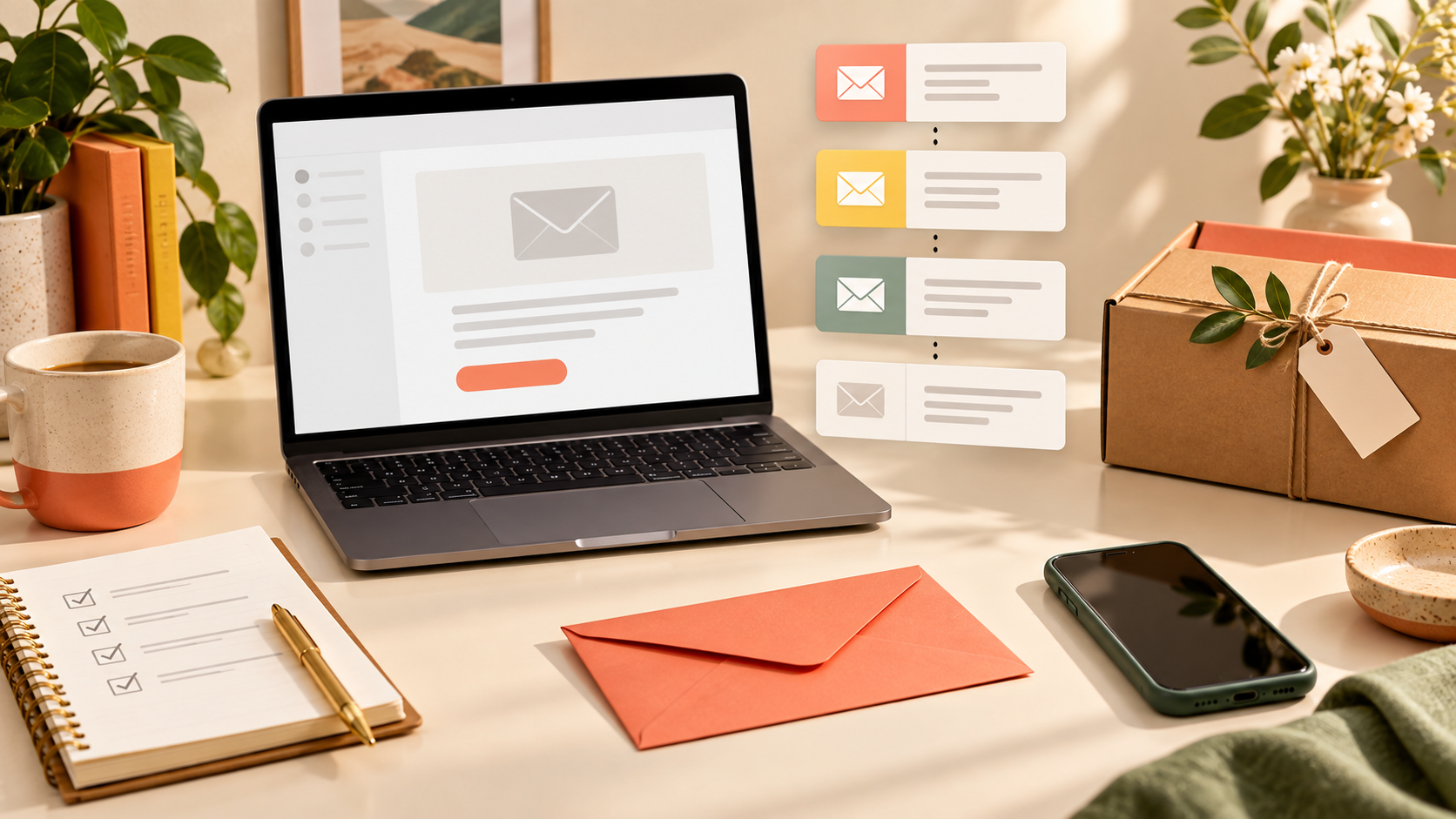
Email 1: Deliver and orient
Send the first email soon after a confirmed signup. Deliver anything promised, welcome the reader, and explain what they can expect. Give one simple route into the store, such as a category guide, bestseller page, or product finder.
Keep the first screen useful. A long brand story before the promised resource creates friction. The reader should understand the message and see the next step quickly on a phone.
Email 2: Help the subscriber choose
The second email can explain product categories, common use cases, or the differences between popular options. Focus on the decision, not a list of every feature. Link to a clear comparison or buying guide.
The product comparison page guide can help organize meaningful differences. If the subscriber cannot tell which product fits, sending more promotional messages will not solve the problem.
Email 3: Build confidence with evidence
Use the third message to support the promise. Show a practical demonstration, verified customer feedback, material detail, transparent process, or clear explanation of what is included. Avoid presenting a single customer result as a guarantee.
A short video can answer questions that are difficult to explain in static copy. InVideo can support the assembly of short product videos, while the short-form video content brief helps define the hook, shots, proof, captions, and CTA before editing.
Email 4: Invite a clear decision
The final welcome email should summarize the most useful reason to act and address a remaining objection. Link directly to the relevant destination. If an introductory offer has a genuine deadline, state it accurately. If it does not expire, do not invent a countdown.
Subscribers who are not ready to buy can still choose a content preference, view a helpful guide, or follow the store’s future updates. A welcome sequence should create a relationship, not trap every reader in a purchase-only path.
Choose timing based on the buying decision
A common starting point is email one immediately, email two after one or two days, email three two days later, and email four after another two or three days. This is only a starting framework.
Low-consideration products may support a shorter sequence. Expensive, technical, or customizable products may need more time between messages. Review the average buying cycle, delivery concerns, and the amount of education required.
Do not continue the welcome sequence after a subscriber completes the intended purchase if the remaining emails keep asking for that same purchase. Move buyers into onboarding, order support, or post-purchase education instead.
Segment without making the system complicated
Small stores do not need dozens of segments. Begin with information that changes what the subscriber should receive. Useful starting segments include product category interest, buyer versus non-buyer, and source of signup.
A visitor who joined from a specific product guide may need different examples from someone who joined through the homepage. Preserve the same brand standards, but choose links and proof that match the demonstrated interest.
Avoid collecting unnecessary personal details. Ask for preference information only when it improves the experience, and explain how it will be used.
Write subject lines that describe real value
A subject line should help the subscriber understand the message. Clear options such as “How to choose the right size” or “What is included with your order” are often more useful than vague curiosity.
Do not use fake “Re:” prefixes, misleading urgency, or claims that the subscriber has won something. Test meaningful differences: benefit versus question, short versus descriptive, or category-specific versus general.
The preview text should complete the idea rather than repeat the subject. Check how both fields appear on a small screen and avoid placing the critical information only at the end.
Design for reading and action
Use one clear content hierarchy: headline, short explanation, supporting visual or proof, and primary CTA. Keep body paragraphs brief and make links descriptive. Avoid several equally prominent buttons leading to unrelated pages.
Campaign graphics should use approved product images and brand assets. Kittl offers tools for creating branded marketing graphics. Whatever design tool is used, compress images, add alternative text where supported, and make sure the email remains understandable if images are blocked.
Use the brand asset library workflow to keep approved colors, logos, product images, and disclaimers organized.
Build trustworthy destination pages
Email performance depends on what happens after the click. The linked page should match the message, load well on mobile, and answer the questions raised in the email. Do not send every CTA to the homepage.
Check product titles, images, specifications, variant availability, shipping, returns, and support information. The product content checklist can help review the destination before the sequence begins.
If the store uses a custom domain, Namecheap is one established domain-registration option. Keep domain ownership, renewal access, and DNS credentials controlled by the business rather than an individual contractor.
Handle discounts carefully
A discount can encourage a first purchase, but it should not be the only reason the sequence exists. Explain product value before repeatedly showing a coupon. Set clear conditions, exclusions, and dates.
Test whether the incentive attracts appropriate customers or simply reduces margin on purchases that would have happened anyway. Alternatives include a useful guide, free sample where practical, bundle, or early access to a relevant product.
Test the complete sequence
Subscribe using a fresh address and test every step on desktop and mobile. Confirm:
- The form records consent correctly.
- The promised resource arrives.
- Sender name, subject, and preview text are correct.
- All links open the intended pages.
- Discount codes and exclusions work.
- Images have acceptable size and alternative text.
- Unsubscribe and preference links function.
- Purchasers leave the sales sequence when appropriate.
Complete an e-commerce checkout audit before increasing traffic. A strong email cannot compensate for a broken buying journey.
Measure the sequence as a journey
Review delivery, bounce, unsubscribe, click, product-page visit, add-to-cart, and purchase activity. Open rate can help diagnose subject lines, but privacy protections make it an imperfect measure. Focus on clicks and meaningful customer actions.
Compare each email’s role. Email two may earn the most guide clicks, while email three may support product-page engagement. A low-performing message may have weak positioning, an irrelevant link, poor timing, or a destination that fails to continue the promise.
Change one important variable at a time. Record the test period and sample size so a random fluctuation is not mistaken for a reliable improvement.
Welcome sequence checklist
- Define one primary outcome and the subscriber’s questions.
- Match the signup promise in the first message.
- Give every email a different job.
- Use timing appropriate to the buying decision.
- Segment only when the content genuinely changes.
- Write honest subject lines and descriptive links.
- Send each CTA to a matching, complete page.
- Test consent, delivery, links, offers, and exit rules.
- Measure the full journey, not only opens.
Frequently asked questions
How many emails should a welcome sequence include?
Three to five focused emails are enough for many small stores. The sequence should be long enough to orient, educate, build confidence, and invite action without repeating itself.
Should every welcome email include a discount?
No. A discount may appear where relevant, but the sequence should also help the subscriber choose, understand the product, and trust the store.
What happens after someone buys?
Remove the buyer from messages that continue asking for the same purchase. Move them into order updates, onboarding, product education, and a properly timed review request.
How often should the sequence be reviewed?
Review it whenever products, pricing, shipping, policies, or linked pages change, plus a scheduled quarterly check. Broken or outdated welcome emails can run unnoticed for months.
Final takeaway
A practical e-commerce welcome sequence helps subscribers understand the store and make a confident next decision. Keep the flow short, make every email useful, link to complete pages, respect consent, and improve the sequence using real customer actions rather than vanity metrics.