
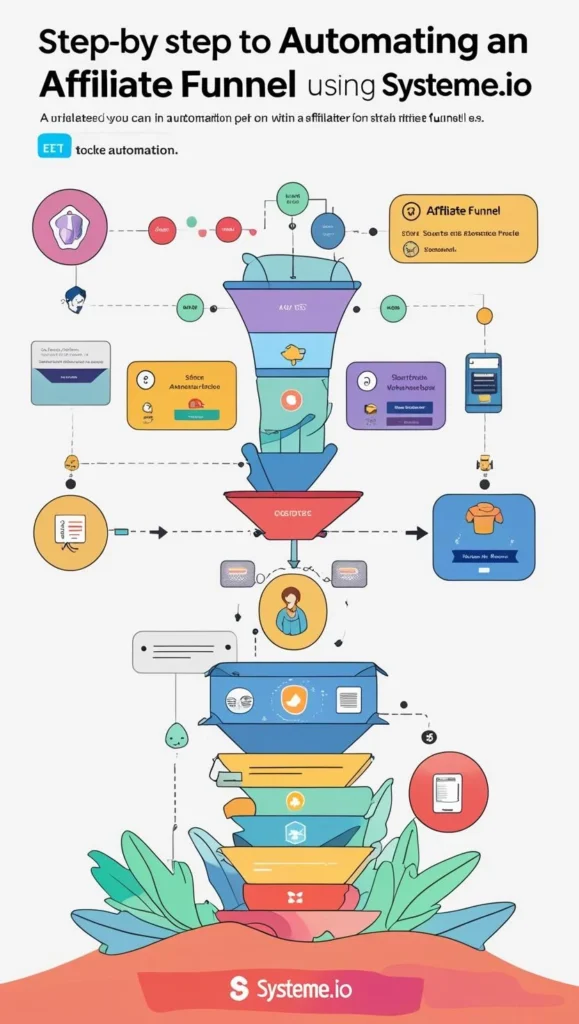
Step-by-Step Guide to Automating Your Affiliate Funnel with Systeme.io

Affiliate marketing success depends heavily on how well you structure your funnel — the process that takes a visitor from casual interest to conversion. If you’re still sending people directly to product links or manually emailing leads, you’re missing out on automation tools that could significantly boost your results.

Systeme.io is a free, beginner-friendly platform that lets you build, automate, and scale your affiliate funnel without coding or tech headaches. In this guide, you’ll learn how to create a fully automated funnel that works while you sleep — step by step.


Step 1: Create Your Systeme.io Account

Head to Systeme.io and sign up for a free account. The free tier includes:

  • Sales funnels
  • Email automation
  • Blogs
  • Membership site builder
  • Unlimited email sending

Once inside your dashboard, you’re ready to start building your funnel.


Step 2: Map Out Your Funnel Strategy

Before you build anything, outline your funnel. A simple beginner funnel includes:

  1. Lead Magnet Page – Offer a freebie (e.g., eBook, checklist)
  2. Thank You Page – Confirm subscription and introduce an affiliate offer
  3. Follow-up Emails – Nurture the lead with tips and product recommendations
  4. Affiliate Offers – Strategically placed links in emails and content

You can automate all of this inside Systeme.io without extra tools.


Step 3: Build Your Lead Magnet Page

In Systeme.io, go to “Funnels” > “Create” > Choose “Build an Audience.”

Use the drag-and-drop builder to create a lead magnet page. Keep it simple:

  • A short headline offering your free guide
  • A brief bullet list of benefits
  • An email opt-in form

If you promote tools like Filmora or InVideo, your freebie could be “The Beginner’s Guide to AI Video Creation.”


Step 4: Set Up the Thank You Page with Affiliate Link

After someone opts in, they’ll land on your thank-you page. This is a great opportunity to introduce an affiliate product with a short explanation and link.

Example:
“Thanks for grabbing your free guide! While you’re here, check out this amazing tool I personally use for creating videos — InVideo. It’s beginner-friendly and packed with templates to get you started fast.”

Keep it friendly, casual, and helpful — not salesy.


Step 5: Automate Your Email Sequence

Next, go to “Emails” > “Campaigns” and create an automated email sequence. This is where you’ll continue building trust and promoting products over time.

Email structure example:

  • Email 1: Deliver the lead magnet and introduce your story
  • Email 2: Share a tutorial and recommend Filmora or Wondershare
  • Email 3: Share a case study using HeyReal AI
  • Email 4: Recommend NordVPN as a tool to protect your affiliate business
  • Email 5: Offer additional value (e.g., a productivity checklist, bonus tips, etc.)

Each email can include natural, helpful mentions of your affiliate tools and a clear call-to-action.


Step 6: Set Up Automation Rules

Inside your funnel settings, add automation rules such as:

  • Tag subscribers when they sign up
  • Add them to an email campaign
  • Trigger different actions based on their behavior (opened email, clicked a link, etc.)

This ensures the right messages go to the right people automatically, increasing your engagement and conversion rates.


Step 7: Track and Improve Your Funnel

Systeme.io includes built-in analytics to track:

  • Page conversion rates
  • Email open and click rates
  • Funnel step performance

Over time, you can test different lead magnets, page headlines, or email subject lines to improve performance.

Also consider using external tools like Namecheap for a branded domain or Shopify if you want to integrate eCommerce into your affiliate strategy.


Final Tips

  • Keep your design clean and mobile-friendly
  • Use simple language — write like you speak
  • Promote your funnel on platforms like Pinterest, YouTube, and Twitter

If you’re looking for physical products to affiliate with, you can also link to curated offers from DHgate within your content or bonuses.

Systeme.io makes affiliate marketing accessible to anyone — even with no experience. With just a few hours of setup, you can build an evergreen funnel that brings in passive income every day.
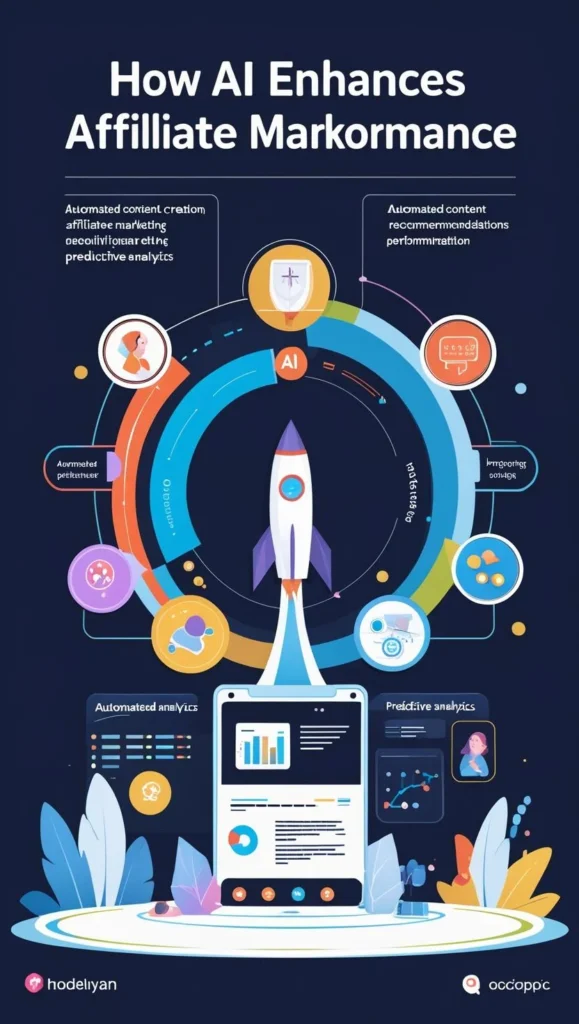
How AI Can Improve Your Affiliate Marketing Performance

Beginner’s Guide to Smarter, Faster Online Earning

Affiliate marketing is one of the most accessible ways to earn money online. But success often depends on your ability to produce consistent, high-quality content, analyze performance, and adapt quickly. That’s where AI (Artificial Intelligence) comes in. With the right AI tools, you can optimize nearly every part of your affiliate workflow — even as a complete beginner.

In this article, you’ll discover how AI can significantly improve your affiliate marketing performance, help you grow faster, and save hours each week.


1. Content Creation at Scale

In affiliate marketing, content is what drives clicks and conversions. Whether it’s a product review, tutorial, blog post, or social media caption, the more engaging your content is, the more likely someone will click your affiliate link.

AI writing tools like ChatGPT or Jasper can generate:

  • SEO blog posts and product reviews
  • Email sequences for nurturing traffic
  • Video scripts for YouTube and Instagram Reels

For example, if you’re promoting video tools, you could write a tutorial titled “How to Create a Video Ad in 10 Minutes” and mention a product like InVideo with a direct link. With AI, this entire article could be drafted in under 10 minutes.


2. Smarter Product Descriptions and Reviews

AI can also help you write persuasive product descriptions and comparison reviews — a common content format in affiliate marketing. You can automate the structure, highlight benefits, and even generate variations for A/B testing.

Let’s say you’re reviewing software like Wondershare or Filmora. With AI tools, you can easily generate content that:

  • Compares features and pricing
  • Summarizes pros and cons
  • Includes call-to-action lines with your links
    For instance: “Looking for a beginner-friendly video editor? Try Filmora — it’s fast, easy, and packed with templates.”

3. Graphic Design and Pinterest Pin Creation

Pinterest is a major traffic source for affiliate marketers. With AI-powered design platforms like Canva’s Magic Design or Leonardo AI, you can create visually optimized pins, thumbnails, and infographics without needing design skills.

You can even batch-create multiple pins for the same article, each with different keywords and images — and link back to your product pages, review articles, or Shopify store using affiliate links.


4. Personalized User Experiences with AI Tools

AI isn’t just about creating content — it’s also about improving engagement. Tools like chatbots, recommendation engines, and dynamic landing pages can help increase click-through rates and conversions.

Let’s say you build a landing page using Shopify. You can use AI to recommend related products, adjust messaging based on user behavior, or even create a voice-guided experience using tools like HeyReal AI (link).


5. SEO Optimization and Performance Tracking

AI tools can help you optimize blog posts and content for SEO — which is crucial for long-term traffic. Tools like SurferSEO or NeuronWriter allow you to:

  • Analyze keyword competition
  • Get on-page SEO suggestions
  • Structure your content with proper heading tags

Pair this with AI-generated analytics from your email or ad campaigns, and you’ll be able to adjust your strategy quickly and efficiently.


6. Product Sourcing and Niche Research

If your affiliate strategy includes product recommendations or curated shopping guides, you can use AI to help identify high-demand products and suppliers.

For physical product affiliates, platforms like DHgate offer a wide selection of low-cost items to recommend. You can use AI tools to:

  • Analyze trending products
  • Predict seasonal demand
  • Create data-driven shopping lists for content

7. Domain, Hosting, and Website Setup

Starting your affiliate site used to require developers and long hours. Not anymore. You can launch your own blog or review site using Namecheap for domain and hosting, and AI-powered page builders to create your layout, content, and visuals.

Want to go beyond blogging? Combine your affiliate content with an eCommerce strategy using Shopify, and build an automated digital storefront in a few hours.


Final Thoughts

Affiliate marketing isn’t about working harder — it’s about working smarter. With AI, you can automate and optimize every step of the process — from research and writing to design and performance analysis.

Whether you’re just starting out or want to scale faster, AI tools can help you turn effort into income more efficiently. The key is to start small, test what works, and let AI do the heavy lifting.

How to Leverage AI for Content Creation and Boost Your Online Income

Introduction

AI isn’t just for tech experts anymore. It’s now a powerful tool for content creators, bloggers, affiliate marketers, and small business owners. Whether you’re writing blog posts, designing social media graphics, or launching an email campaign — AI can save you hours and help you earn more.

In this article, you’ll learn how to use AI tools to speed up content creation and boost your income online, even if you’re a complete beginner.


1. What Is AI Content Creation?

AI content creation refers to using artificial intelligence tools to generate text, images, video, audio, or design elements with minimal manual effort.

Instead of starting from scratch, AI helps you:

  • Write blog posts, emails, product descriptions
  • Create engaging images and social media graphics
  • Edit and repurpose videos
  • Generate ideas and outlines instantly

2. Why Use AI for Your Online Business?

Here are just a few ways AI makes online business easier:

Faster Content Creation – Write articles in minutes instead of hours
Consistent Posting – Plan and schedule content faster
Cost-Effective – No need to hire full-time writers or designers
Scalable – Create more content across platforms (blog, Pinterest, YouTube, Instagram)
Beginner-Friendly – No tech skills required for most tools

Using AI is like hiring a full creative team — without the cost.


3. Best Types of Content You Can Create with AI

Let’s break down what you can create and where to use it:

Blog Articles

Use AI to write:

  • Step-by-step tutorials
  • Product comparisons
  • SEO-optimized blog posts

Pinterest Pins + Captions

Generate catchy headlines, hashtags, and engaging descriptions to attract traffic to your site.

Video Scripts + Reels

AI can create:

  • Short video scripts
  • YouTube descriptions
  • Voiceovers with text-to-speech tools

Email Newsletters

Build trust with your audience using AI-generated:

  • Welcome emails
  • Weekly updates
  • Promotional messages

Graphics + Image Prompts

Tools can help you design:

  • Quote graphics
  • Infographics
  • Instagram carousels

4. Simple Workflow to Start Creating with AI

Here’s a basic system you can follow as a beginner:

  1. Plan Your Weekly Content
    Use ChatGPT or Notion AI to brainstorm ideas and outline topics
  2. Write Your Posts or Scripts
    Generate blog posts or video scripts in seconds with AI writing tools
  3. Create Images or Designs
    Use AI image tools or templates to make visuals for Pinterest, Instagram, or your blog
  4. Schedule Everything
    Automate posting with free tools like Buffer or Metricool
  5. Analyze + Improve
    Use AI tools to analyze which content is performing best and refine your strategy

5. Popular AI Tools to Try (Free or Low-Cost)

Here are types of tools you’ll find helpful:

  • AI Writing Tools – ChatGPT, Jasper, Writesonic
  • Image Creation Tools – Canva, Leonardo AI, Kittl
  • Video Tools – InVideo, HeyGen, Pictory
  • Voice & Audio – ElevenLabs, Murf AI
  • All-in-One Planners – Notion AI, Trello + AI templates

Most have free trials or plans for beginners.


6. Tips for Making Money with AI-Generated Content

Once you’re creating content with AI, here’s how you can turn it into income:

Blog Monetization – Earn with ads, sponsored content, or selling digital products
Affiliate Marketing – Recommend tools and earn commission
YouTube or Pinterest Traffic – Use short-form content to drive visitors to your site or product
Digital Product Creation – Use AI to help you create and sell ebooks, templates, and courses
Freelance Services – Offer AI-powered services (content writing, graphics, scriptwriting)


Conclusion

You don’t need to be a tech expert to leverage AI for content creation. With the right tools and a simple strategy, you can save time, produce more, and earn faster — all while staying consistent and creative.

If you’re building an online business in 2025, learning how to use AI is no longer optional — it’s the smartest shortcut to growth.

Start today with one tool. Create one post. Then repeat.

How to Create Viral Video Content for Free (Even if You’re a Beginner)

Introduction

Short-form video is one of the fastest ways to grow online in 2025. Platforms like Pinterest, TikTok, YouTube Shorts, and Instagram Reels are exploding — and people just like you are using simple tools to make viral content and earn money.

The best part? You don’t need a camera, editing skills, or a big budget. In this guide, I’ll show you how to create viral videos using free tools, and even link to my favorite beginner-friendly video creation software you can start using today.


Step 1: Understand What “Viral” Means (The Formula)

Viral videos don’t happen by luck — they follow patterns. Here’s what works:

  • Hook in the first 3 seconds
  • Clear message or story
  • Emotional or surprising twist
  • Short (15–30 seconds)
  • Visually engaging (text + music)
  • Call-to-action (CTA) like “Follow for more” or “Click the link”

You can create these even without showing your face!


Step 2: Choose a Free Video Creation Tool

You don’t need to edit manually or use advanced software. These tools do the work for you:

  • InVideo – Turn scripts or blog posts into video content automatically. Just enter your text, choose a style, and InVideo builds a full video with voice and visuals. Perfect for Pinterest pins or affiliate promo videos.
  • Filmora – Drag-and-drop video editor made for beginners. Add music, transitions, overlays, and effects in minutes — no experience needed. Ideal for Instagram Reels or YouTube Shorts.
  • Kling AI – Use this tool to turn static images into short animations. It’s great for product videos, character reveals, or storytelling on Pinterest.

Tip: Test each and pick the one that feels easiest for you. All three are beginner-friendly.


Step 3: Create Your First Script (Don’t Overthink It)

Most viral videos follow a simple structure:

  1. Hook – “Want to lose belly fat without working out?”
  2. Value – “Here’s a free drink recipe that helps burn fat”
  3. Action – “Try this tonight and save for later!”

You can write your script in Google Docs or use Notion to stay organized.


Step 4: Add Voice & Visuals

You don’t need your own voice. Use:

  • Built-in AI voiceovers in InVideo or HeyGen AI
  • Free music libraries from YouTube Audio Library or Canva Pro
  • Stock footage included in Filmora or Wondershare tools

You can even create AI avatars using HeyReal to speak your script for you — great if you’re camera-shy.


Step 5: Post Strategically (3–4 Times Daily)

The best platforms for beginners are:

  • Pinterest – Focus on text-based reels with voiceover
  • YouTube Shorts – Repurpose your video in vertical format
  • Instagram Reels – Add trending audio for reach
  • TikTok – Optional, but worth testing

Post 3–4 videos per day across these platforms using scheduling tools like Later.com or Metricool.


Step 6: Monetize Your Video Traffic

Once your videos get views, here’s how you earn:

  • Promote a product with affiliate links (like Shopify, Namecheap, or tools mentioned here)
  • Grow an email list using a freebie and offer digital products
  • Send traffic to your YouTube channel or blog to build passive income
  • Offer services like video editing or script writing

Bonus: Use Namecheap to buy a domain and set up a landing page in minutes to collect emails or sell products.


Final Thoughts

You don’t need to be a video expert. With today’s tools, anyone can create engaging, valuable videos that go viral — and turn those views into income. Start small, stay consistent, and use the right software to make things easier.

In just 30 minutes a day, you could be building an audience, making affiliate income, and growing your online business with nothing but free tools and your ideas.

3 Smart Ways to Use AI to Grow Your Online Income (Even with Zero Experience)

Think AI is just for tech pros? Think again. You can start using AI today to boost your online income—even if you’re a complete beginner.

Here are 3 powerful and practical ways to make it happen:


1. Create and Sell Digital Products with AI

AI tools like ChatGPT and Canva make it easy to create ebooks, templates, printables, and guides in hours—not weeks.

Example: Use ChatGPT to write a 10-page guide, then design it in Canva, and sell it on Gumroad or Etsy.


2. Automate Content Creation

Struggling to post consistently? Let AI do the heavy lifting.

Tools like Ocoya or Predis.ai can write captions, generate hashtags, design posts, and schedule content for Instagram, Facebook, and more.


3. Start a Faceless YouTube or TikTok Channel

Don’t want to show your face? Use AI video tools like Pictory or Lumen5 to turn blog posts or scripts into short, viral videos.

Add stock footage, auto voiceovers, and captions with just a few clicks.


Final Tip:

Start with one idea, use free versions of tools, and keep it simple. The goal isn’t perfection—it’s progress.

AI is your new business partner.
Let it work for you.