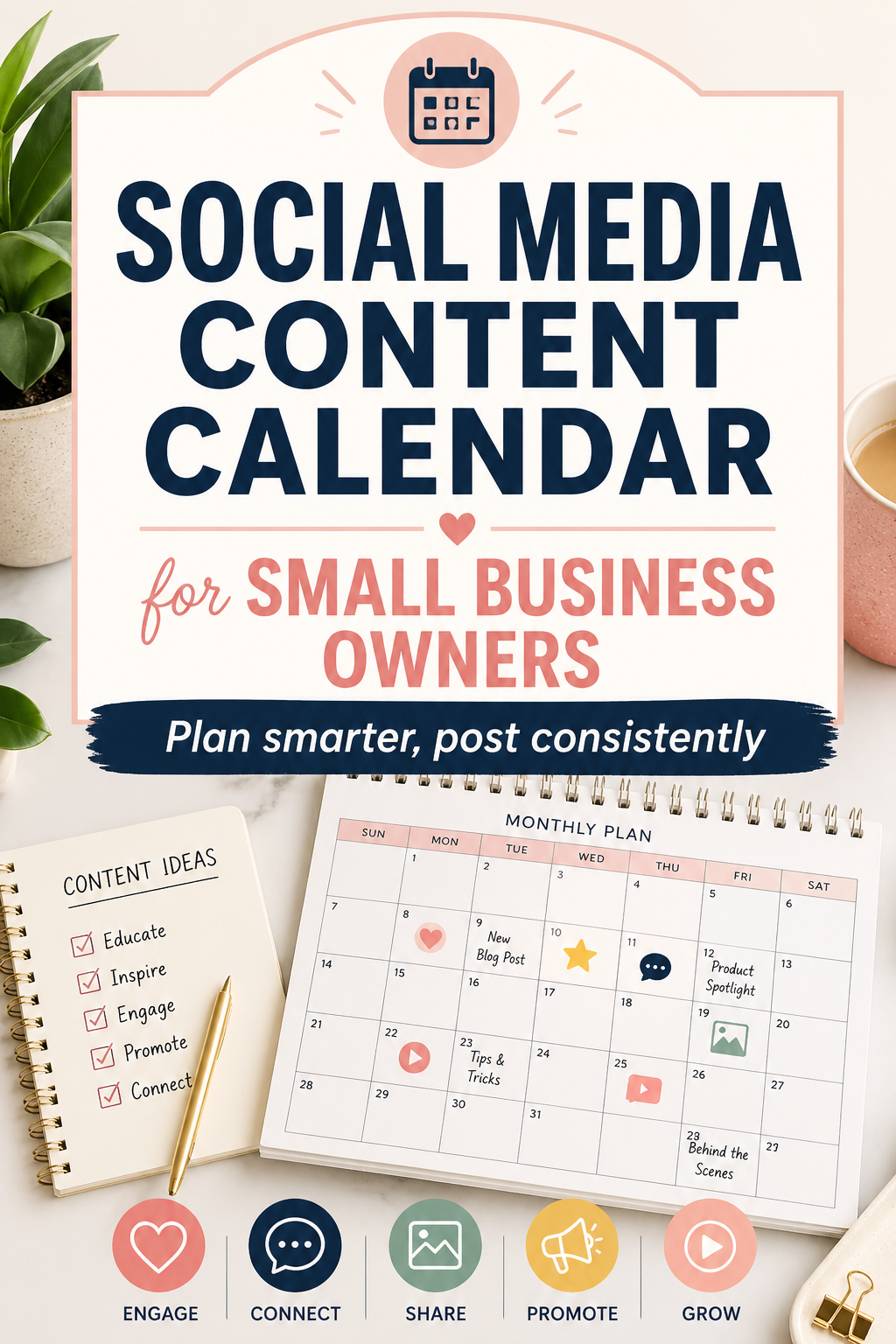
Social Media Content Calendar for Small Business Owners
One of the biggest mistakes small business owners make on social media is winging it. Posting randomly when you remember, scrambling for ideas at the last minute, and going silent for days — this inconsistency kills growth. A content calendar fixes all of that.
Why a Content Calendar Changes Everything
A content calendar is simply a plan for what you’ll post, when, and on which platform. It removes the daily stress of figuring out what to say, keeps your messaging consistent, and helps you stay aligned with your business goals.
Businesses that plan their content in advance post more consistently, see higher engagement rates, and grow their audience faster. It’s not about being rigid — it’s about being prepared.
Step 1: Define Your Content Pillars
Before filling in any calendar, decide on 3–5 topics your brand will consistently talk about. For an eCommerce business, those might be: product highlights, customer stories, tips and tutorials, behind-the-scenes, and promotional offers.
Every post you create should fall into one of these categories. This gives your page a coherent identity and makes content creation much easier because you’re never starting from a blank slate.
Step 2: Plan by Content Type
Mix up your formats to keep your feed interesting. A healthy weekly content mix looks something like this: two educational posts, one promotional post, one engagement post (question or poll), and one video or reel. Variety keeps your audience coming back.
For video content, InVideo AI is a game-changer for small business owners. You can create polished, professional videos from a simple text prompt — no editing experience needed. Batch-create your weekly videos in one sitting and schedule them out.
Step 3: Design Graphics in Batches
Spending 20 minutes designing one graphic at a time is inefficient. Instead, block out two hours per week to design all your graphics at once. Kittl has a library of stunning, customizable templates for every social media platform — you can create a week’s worth of branded graphics faster than you think.
Step 4: Schedule Everything in Advance
Once your content is created, schedule it so it posts automatically. This is where Tailwind becomes essential. Tailwind’s SmartSchedule feature automatically identifies the best times to post for maximum reach on Pinterest and Instagram, and its visual calendar makes it easy to see your entire month at a glance.
With Tailwind, you can batch-schedule two to four weeks of content in a single session, freeing you to focus on running your business the rest of the month.
Step 5: Review and Improve Monthly
At the end of each month, spend 30 minutes reviewing your analytics. Which posts got the most engagement? Which content type drove the most traffic to your site? Use those insights to refine next month’s calendar. Growth is a feedback loop.
Your Simple Monthly Content Plan
Try this structure to start: on the first of each month, plan all your content themes. On the second day, write all captions. On the third day, design all graphics. On the fourth day, record any videos. On the fifth day, schedule everything. That’s your entire month sorted in just five focused work sessions.
A content calendar doesn’t have to be complicated. It just has to exist. Start simple, stay consistent, and let the results build over time.