15 Free Tools for Better Social Media Content
You don’t need a big budget to create professional social media content. The right free and affordable tools can transform your content quality, save you hours every week, and help you grow faster. Here are 15 tools across five content categories that every creator and small business owner should know about.
Design Tools
1. Kittl — One of the best design platforms for creating Pinterest pins, social media graphics, and branded content. Kittl has a generous free plan with beautiful templates that look far more premium than typical Canva designs. Perfect for creating scroll-stopping visuals without a designer.
2. Canva — The most popular free design tool for beginners. Great for quick graphics, presentations, and social media posts. Use Canva alongside Kittl for maximum creative flexibility.
3. Adobe Express — A simplified version of Adobe’s design suite that’s free to use. Good for quick social graphics and short video clips.
Video Tools
4. InVideo AI — The most powerful AI video creation tool for social media content. InVideo AI turns text prompts into complete videos with voiceover, visuals, and music. Their free plan lets you create and export videos without spending a dollar.
5. CapCut — Free mobile and desktop video editor with trending templates for Reels and TikToks. Excellent for quick edits and auto-captions.
6. DaVinci Resolve — Professional-grade free video editing software for creators who want more control over their edit. Steeper learning curve but outstanding output quality.
Planning Tools
7. Tailwind — The leading scheduling tool for Pinterest and Instagram. Tailwind offers a free plan that includes basic scheduling and SmartSchedule recommendations. Upgrade when you’re ready to post at scale.
8. Meta Business Suite — Facebook’s free tool for scheduling posts across Facebook and Instagram, managing comments, and viewing analytics. Essential for anyone running a Facebook or Instagram presence.
9. Google Sheets — A simple, free way to build and manage a content calendar. Create columns for date, platform, content type, caption, link, and status to keep everything organized.
Hashtag and Analytics Tools
10. Hashtagify — Research trending hashtags in your niche for free. See hashtag popularity, related tags, and usage patterns before adding them to your posts.
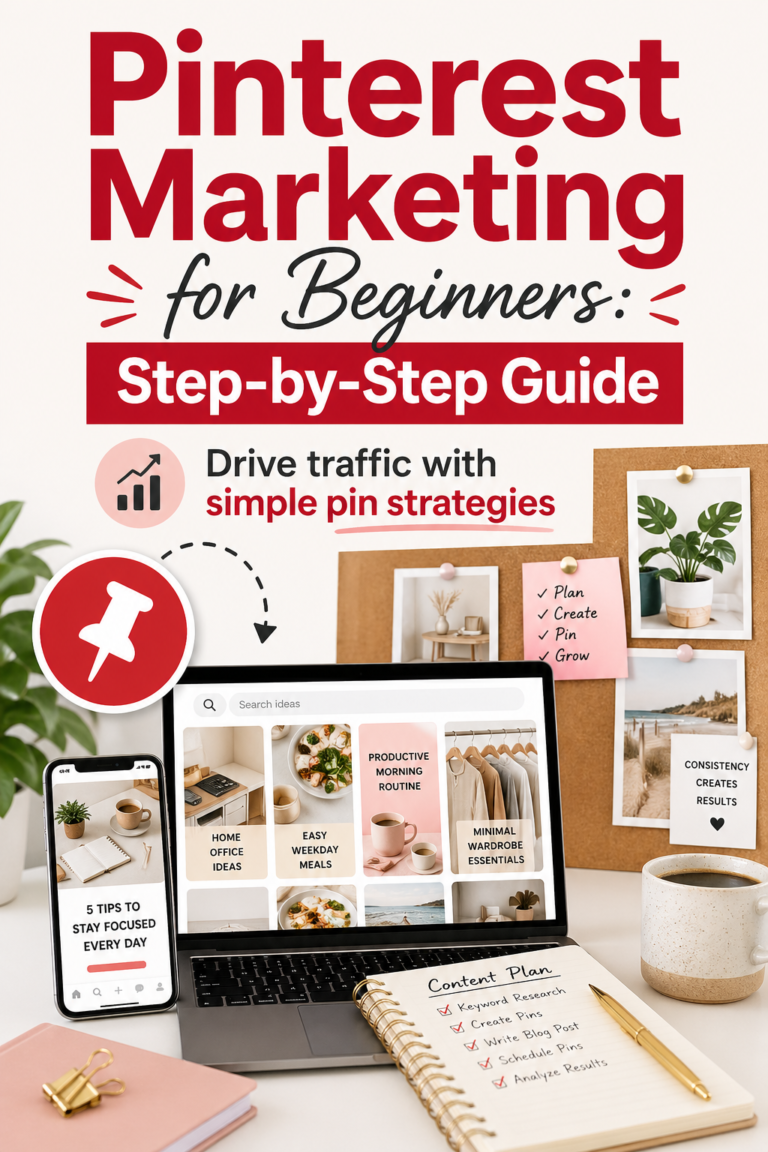
11. Pinterest Trends — Pinterest’s free built-in trend tool shows you what people are actively searching for right now. Use it to plan content around trending topics before they peak.
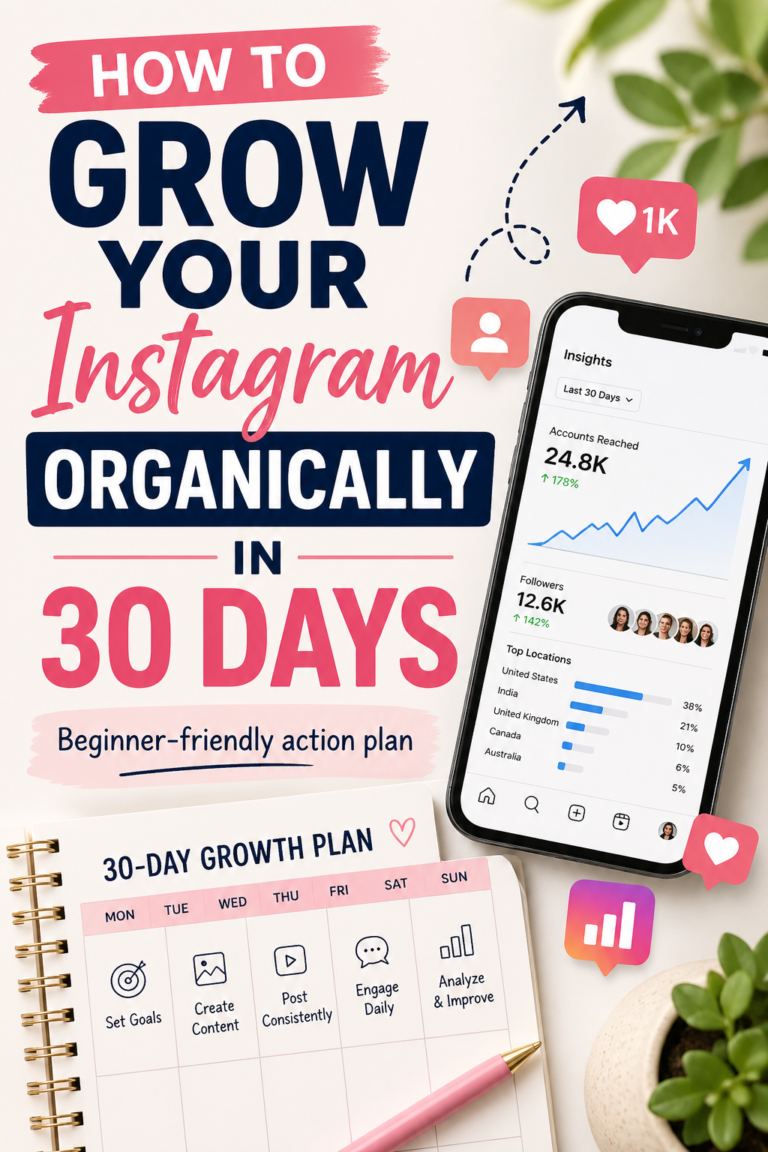
12. Instagram Insights — Free analytics built directly into Instagram Business accounts. Shows you reach, impressions, saves, and your best-performing content — essential for understanding what to post more of.
Writing Tools
13. ChatGPT — Use AI to generate caption ideas, hashtag lists, content calendars, and blog outlines in seconds. Free to use with a basic account.
14. Hemingway Editor — Free tool that analyzes your writing for readability. Paste your caption in and it highlights complex sentences and passive voice so you can tighten your copy.
15. CoSchedule Headline Analyzer — Free tool that scores your headlines and pin titles for engagement potential. Use it to test different hook formulations before publishing.
Build Your Free Tool Stack
You don’t need all 15 from day one. Start with Kittl for design, InVideo for video, and Tailwind for scheduling — these three alone cover the core of your content creation workflow. Add the others as your needs grow. Great content doesn’t require a big budget — just the right tools and a consistent plan.