How to Write Social Media Captions That Get Clicks
Your image might stop the scroll, but your caption is what drives the click. Most people spend hours designing the perfect graphic and then write a lazy two-line caption that gets ignored. The reality is that a mediocre image with a great caption will outperform a great image with a weak caption every single time.
The Anatomy of a High-Converting Caption
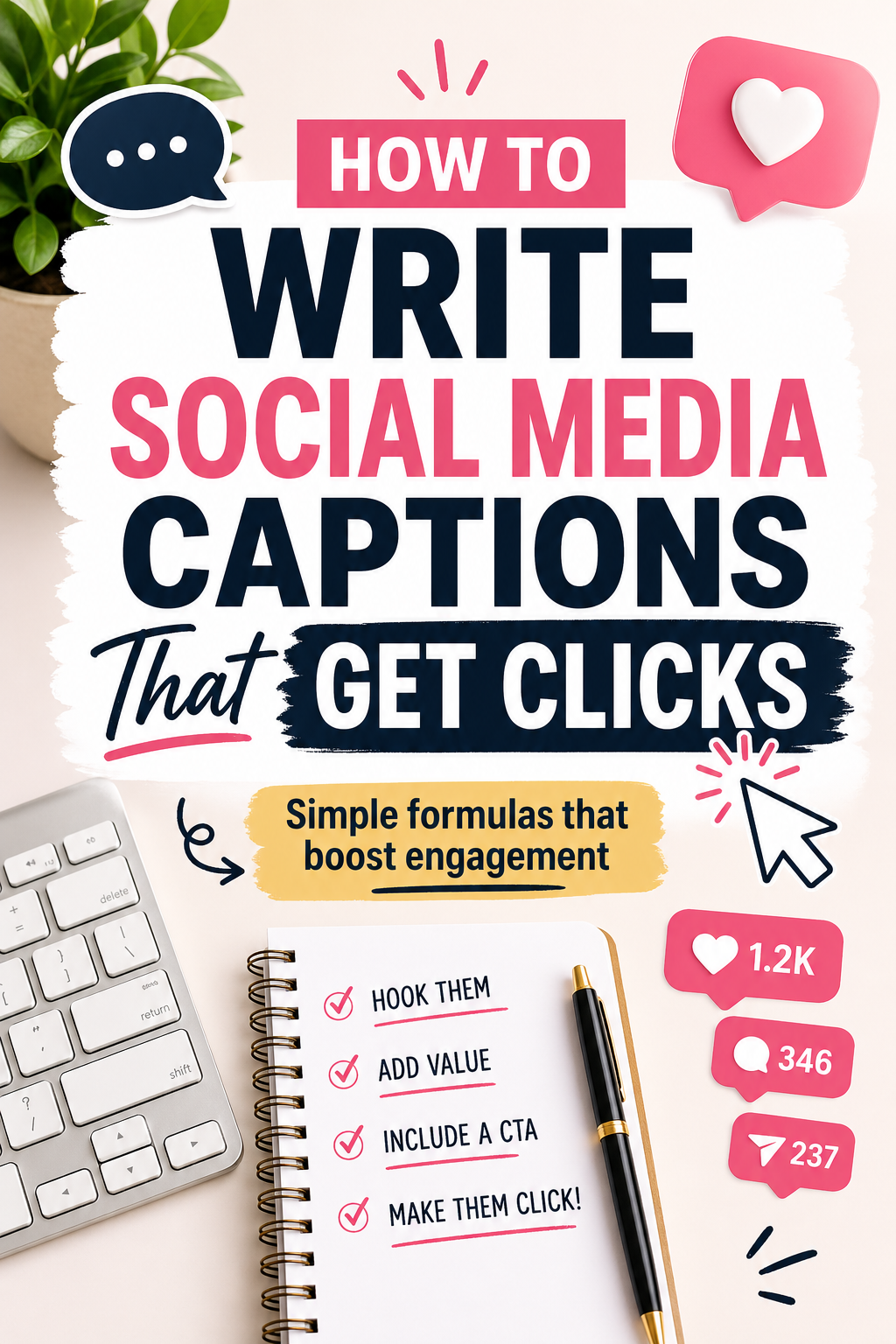
Every great social media caption has four elements: a hook, value, a call to action, and sometimes hashtags. Miss any one of these and your caption underperforms. Get all four right and your engagement rate climbs significantly.
Element 1: The Hook (First Line)
The first line of your caption is the most important. On most platforms, users see only the first one to two lines before the “more” button cuts the text off. If your first line doesn’t grab attention, nobody reads the rest.
Great hook formulas include: a bold statement (“This mistake is costing you followers every day”), a relatable problem (“Posting every day but getting zero engagement?”), or a surprising fact (“80% of Pinterest users have bought something they discovered on the platform”). Start strong — always.
Element 2: Deliver Real Value
After your hook, deliver on the promise. If your hook asks a question, answer it. If it mentions a problem, offer a solution. Give your audience something genuinely useful — a tip, a step, a resource. Captions that educate or solve a problem get saved, and saves are the highest-value engagement signal on Instagram and Pinterest.
Element 3: The Call to Action
Every caption needs one clear next step. Not five options — one. Examples: “Click the link in bio to get started,” “Save this post for later,” “Drop a comment below — which tip do you need most?” The clearer and simpler your CTA, the higher your click-through rate.
Element 4: Strategic Hashtags
On Instagram, use 5–10 targeted hashtags placed at the end of your caption or in the first comment. On Pinterest, hashtags are less important than keywords in your description. Either way, research your hashtags — don’t guess.
Captions for Different Content Types
Video captions follow a different formula. Your first line should describe the value of watching (“Watch this before you post another reel”). Keep video captions shorter since the video itself carries most of the information. InVideo AI even helps you script and create the video alongside your caption so both are optimized together.
For static image posts and infographics, longer captions (150–300 words) tend to perform better because they add context that the image alone can’t communicate.
Batch Write Your Captions Weekly
The biggest caption mistake is writing them on the fly right before posting. Instead, set aside 60–90 minutes once per week to write all your captions in advance. This gives you time to craft better hooks, refine your CTAs, and ensure your messaging is consistent.
Tailwind lets you write, edit, and schedule captions alongside your visuals in one place — so your copy and creative are always aligned before anything goes live.
For designing the visuals that accompany your captions, Kittl gives you beautiful, on-brand templates that make your captions look even more compelling in the feed.
Great Captions Are a Skill You Can Build
You don’t need to be a professional copywriter to write captions that convert. You just need a formula, a hook, real value, and one clear next step. Practice these elements consistently and your engagement will grow every single week.