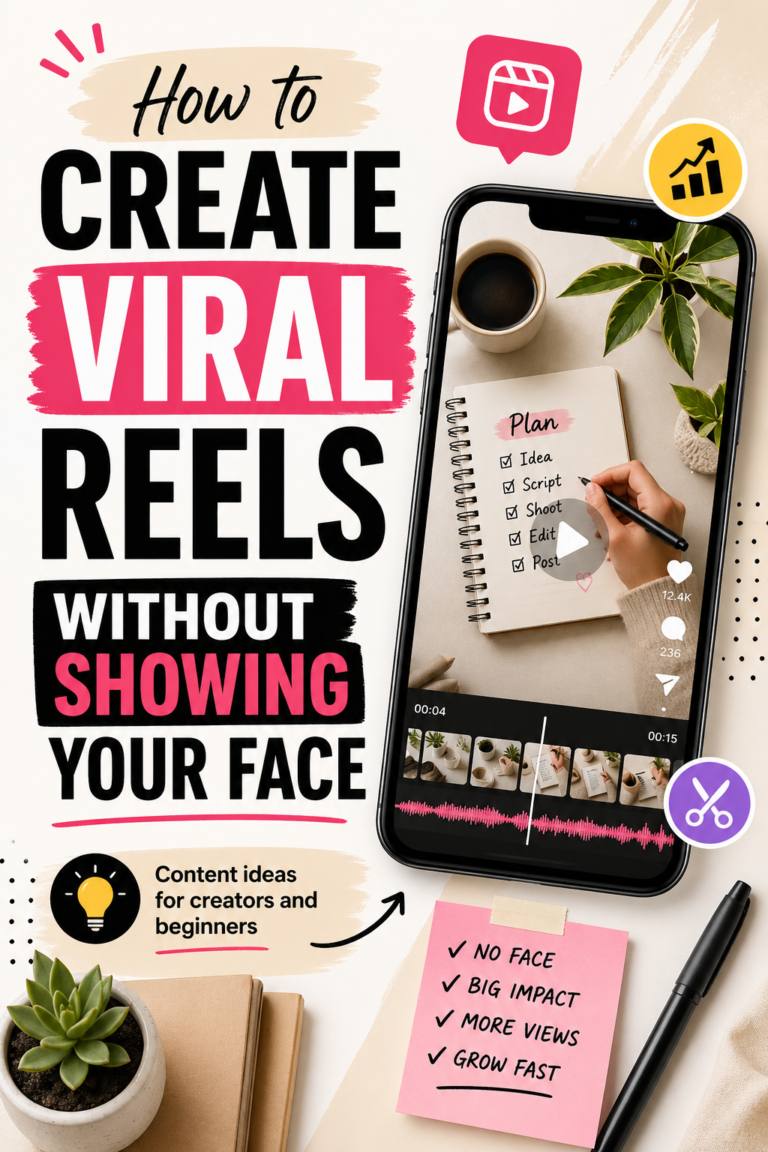
Short-Form Video Content Brief: Plan Before You Record
A short-form video content brief turns a loose idea into a recording plan that another person—or your future self—can understand. It defines the audience, promise, evidence, structure, shots, format, and next step before production begins.
Without a brief, teams often record too much, discover missing shots during editing, or create a polished video with no clear purpose. A useful brief should not suppress creativity. It should remove preventable confusion so the creator can focus on delivery. This guide shows how to build a practical brief for Reels, Shorts, TikTok-style videos, Pinterest video, and other vertical formats.
Disclosure: This article contains affiliate links. EcomArena may earn a commission from qualifying purchases at no additional cost to you.
What a short-form video brief should accomplish
The brief is a decision document, not a complete screenplay. It should answer why the video exists, who it helps, what the viewer should understand, what must appear on screen, and what happens after viewing.
A small business can usually keep the brief to one page. Longer campaigns may need supporting research, brand guidance, product references, or legal review, but the working summary should remain easy to scan during recording.
The short-form video social media system provides the broader production workflow. The brief is the handoff between choosing an idea and creating the actual footage.
Begin with one audience problem
“Make a video about our product” is not a usable direction. Identify the specific question, hesitation, task, or result that matters to the intended viewer.
For example, a kitchen seller might address how to store a tool safely, how large it looks beside common objects, or which cooking task it simplifies. A marketing business might explain how to organize brand files or review a social post. Narrow problems lead to clearer videos.
Write the audience problem in the viewer’s language. Use questions from customer support, comments, search terms, reviews, sales conversations, and product-page behavior. Avoid inventing dramatic pain points simply to create a stronger hook.
Define the outcome in one sentence
Complete this statement: “After watching, the viewer should be able to…” The answer might be to compare two options, complete one task, avoid one mistake, understand one limitation, or choose the correct next resource.
If the sentence contains several unrelated outcomes, split the idea into a series. Short videos work best when the viewer can recognize the promise quickly and the creator can fulfill it without rushing.
The outcome also helps the reviewer judge whether the final edit succeeded. A video is not complete merely because it reaches the planned duration.
Choose the role of the video
Different videos perform different jobs. Mark one primary role in the brief:
- Education: teach a small process or explain a concept.
- Demonstration: show how something works in realistic conditions.
- Comparison: help the viewer understand meaningful differences.
- Proof: show a result with honest context and supporting evidence.
- Story: create relevance through a situation, change, or lesson.
- Promotion: present a suitable offer with a clear reason to act.
A demonstration can still educate, and a story can still lead to an offer. Choosing a primary role simply keeps the structure focused.
Write a hook that the body can support
The opening should earn attention by clarifying relevance, not by promising an outcome the video cannot prove. Useful hook patterns include a specific question, a recognizable mistake, a practical result, or a surprising but verifiable distinction.
Draft three hooks in the brief, then choose the clearest. Read each aloud and check whether the next shot naturally continues the promise. Avoid vague lines such as “You will not believe this” unless the content genuinely warrants them.
The social media caption guide offers additional principles for creating clear openings and calls to action without resorting to clickbait.
Build a simple beginning, middle, and end
Even a 20-second video benefits from structure. The beginning establishes the problem or desired result. The middle provides the demonstration, explanation, or evidence. The end completes the promise and gives an appropriate next step.
Use short beat descriptions rather than writing every sentence immediately:
- Show the problem or result.
- Explain why it matters.
- Demonstrate the key action.
- Clarify an important limit or condition.
- Summarize and give the next step.
Once the beats work, write exact wording for technical claims, prices, disclosures, safety information, or other details that should not be improvised.
Create a shot list before recording
A shot list translates each beat into visible evidence. Specify the subject, framing, action, location, and any prop or screen needed. Mark essential shots separately from optional coverage.
For a product demonstration, the list might include the product in context, setup, a close-up of the main action, the result, scale, an important limitation, and packaging. The product demo video guide explains how to connect shots to real buying questions.
Record alternate close-ups and a few clean transitions only after capturing the essential proof. Large folders of decorative footage cannot replace a missing key action.
Specify format and safe areas
Record the intended orientation and dimensions in the brief. For vertical social video, compose important subjects and text so they remain visible when interfaces cover the edges or bottom of the screen.
Note the target duration, caption requirement, thumbnail or cover, audio approach, and any platform-specific version. If the same source will support several channels, decide which elements can be reused and which require a different opening, caption, or call to action.
Avoid placing critical information only in spoken audio. Captions improve accessibility and help viewers who watch without sound. Review automatic captions carefully, especially names, technical terms, prices, and product details.
Define the visual direction
Add a few practical visual notes: palette, lighting, background, text style, pacing, and examples of acceptable framing. Link to approved brand assets rather than attaching uncertain logo or font versions.
For title cards or graphic elements, Kittl provides editable design and template tools. The tool is optional; consistency depends on using approved colors, typography, and layouts from the business’s asset library.
The brand asset library guide explains how to organize reusable video elements and keep current versions easy to find.
Plan the audio deliberately
Choose whether the video uses direct-to-camera speech, voice-over, natural sound, music, or a combination. Record where the microphone can capture clean audio and reduce avoidable background noise.
If music is used, verify that the license covers the intended commercial channel and region. Keep records rather than assuming audio available inside one platform can be exported and reused everywhere.
Write pronunciation notes and emphasize the words that carry the core message. A short rehearsal often reveals sentences that look acceptable on a page but feel awkward when spoken.
Include sources and claim checks
The brief should link to the source for product specifications, statistics, price statements, comparisons, and results. Mark time-sensitive information for rechecking immediately before publication.
Do not present staged footage as independent customer proof. Do not imply that typical results are guaranteed. If a demonstration depends on special conditions, disclose them clearly enough that the viewer can interpret what is shown.
For affiliate videos, identify the commercial relationship and required disclosure before recording. Trying to add disclosure after the edit often produces rushed or unclear placement.
Write the call to action around the next useful step
A call to action should follow naturally from the video’s role. An educational clip may invite the viewer to save the checklist. A product comparison may link to complete specifications. A demonstration may direct viewers to a detailed guide or product page.
Avoid stacking several competing requests. Choose one primary next step and make sure the destination fulfills the promise. Record the exact destination URL and tracking parameters in the production record, not on the visual itself.
Select an editing approach
The brief can identify the intended pace, cut style, caption treatment, aspect ratio, and export settings. It should also name the owner of the editable project and the final export.
Creators looking for template-supported production can explore InVideo for creating social video. Those needing timeline-based editing can review Filmora’s video editing tools. Choose based on the actual workflow rather than assuming more features create better storytelling.
Keep source footage and project files organized so approved videos can be corrected or repurposed later. The video repurposing guide shows how deliberate source organization supports useful channel-specific clips.
Assign approval responsibilities
The brief should name the creator, reviewer, final approver, and deadline. List the checks that matter: factual accuracy, product representation, brand fit, captions, music rights, disclosure, link, format, and final export.
For important videos, approve the concept or script before production and the finished file before scheduling. This prevents a correct script from masking visual, caption, or editing errors.
Consolidate feedback into one clear round and distinguish required corrections from stylistic suggestions. The creator should always know which version is current.
A reusable short-form video brief template
- Working title: a clear internal name.
- Audience: the specific person or situation.
- Problem: the question, task, or hesitation addressed.
- Outcome: what the viewer should understand or do.
- Primary role: education, demonstration, comparison, proof, story, or promotion.
- Hook options: three accurate openings.
- Key beats: beginning, middle, and end.
- Shot list: essential and optional footage.
- Format: orientation, duration, safe areas, captions, and cover.
- Audio: speech, voice-over, natural sound, and licensed music.
- Sources: approved product facts and evidence.
- Call to action: one next step and destination.
- Owners: creator, reviewer, and approver.
- Schedule: recording, review, revision, and publication dates.
Frequently asked questions
How long should a short-form video brief be?
Most routine videos need one page or one compact project card. The brief can link to detailed sources, product files, and brand guidance. It should remain easy to use during production.
Do creators need a full script?
Not always. Tutorials and conversational videos may work with structured beats, while regulated, technical, financial, safety-related, or highly specific claims usually benefit from approved wording.
Can one brief support several platforms?
Yes, when the core audience problem and evidence remain the same. Add platform-specific notes for duration, safe areas, caption style, audio rights, destination links, and calls to action rather than posting an identical export everywhere.
What should be reviewed before scheduling?
Check the final exported file, not only the script. Confirm spelling, captions, claims, product accuracy, disclosures, licensed materials, format, thumbnail, destination, tracking, channel, and publication time.
Plan enough to make recording easier
A useful brief makes the creative decision visible before the camera starts. Define one audience problem, one outcome, a supportable hook, a small set of beats, essential shots, the right format, and one next step. Then record with room for natural delivery.
The result is not merely a faster shoot. It is a video that can be reviewed against a clear promise, corrected efficiently, and published with fewer avoidable gaps.