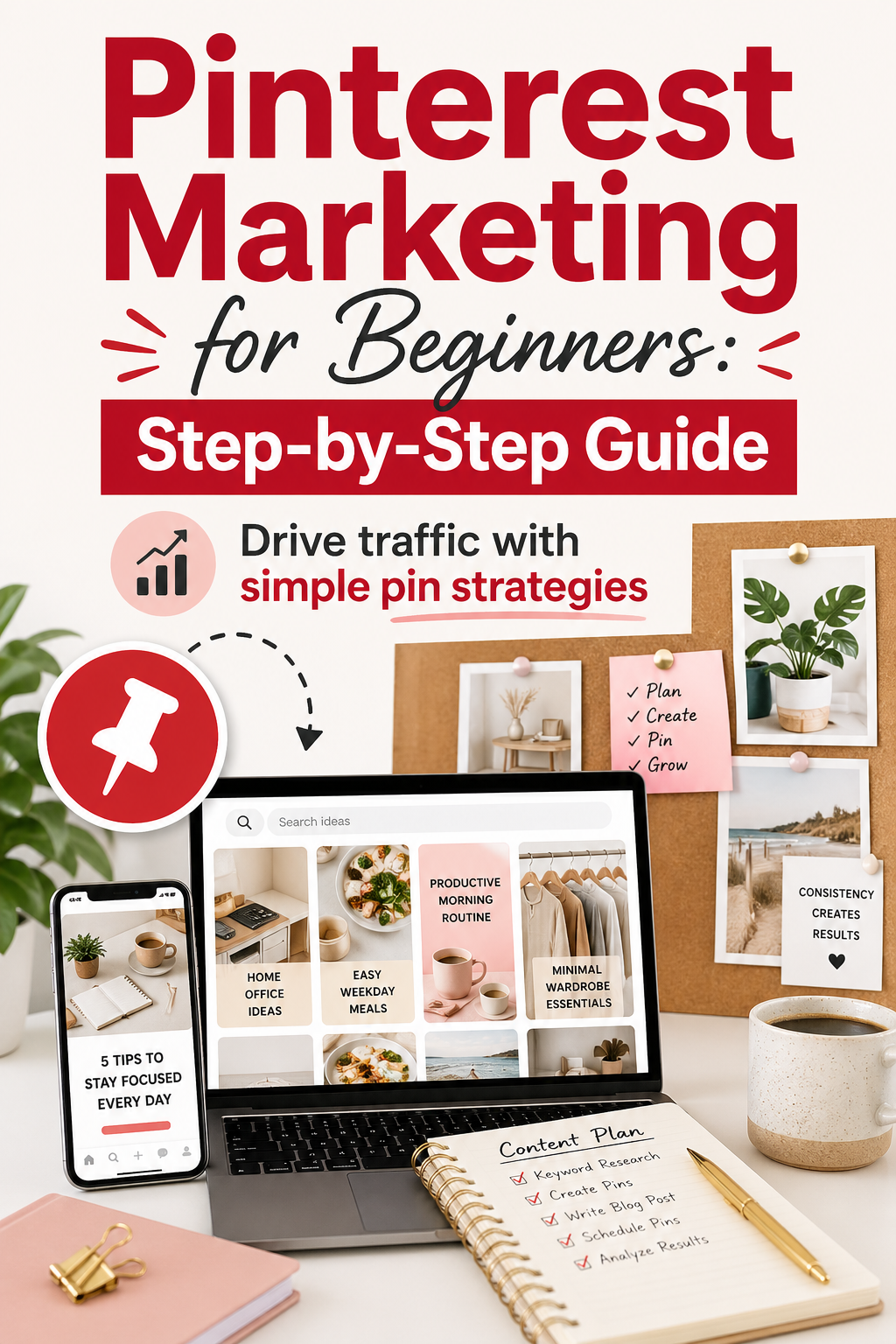
Pinterest Marketing for Beginners: Step-by-Step Guide
Pinterest is unlike any other social media platform — and that’s exactly why it’s so powerful for driving traffic. While Instagram and TikTok content disappears within days, a well-optimized Pinterest pin can drive traffic to your website for months or even years. Here’s how to get started the right way.
Why Pinterest Is Different
Pinterest is a search engine disguised as a social media platform. People go to Pinterest with intent — they’re searching for ideas, solutions, and products they want to buy or try. This makes Pinterest traffic incredibly high quality compared to other platforms.
For bloggers, eCommerce sellers, and content creators, Pinterest is one of the best free traffic sources available. The learning curve is low, the competition is manageable, and the results compound over time.
Step 1: Set Up a Business Account
If you’re using Pinterest for your website or business, switch to a free Pinterest Business account. This gives you access to Pinterest Analytics, Rich Pins, and the ability to claim your website — all of which boost your visibility in search results.
Once your account is set up, optimize your profile with a keyword-rich bio, a professional logo or photo, and your website URL. Claim your website immediately so Pinterest can attribute traffic properly.
Make sure your website is fast and mobile-optimized. If you haven’t launched your site yet, Namecheap offers affordable domain registration and hosting to get you started quickly.
Step 2: Create Boards That Attract Your Audience
Create 8–12 boards that cover the main topics your target audience searches for. Give each board a keyword-rich title and a detailed description — Pinterest uses these to rank your content in search.
Don’t make boards too narrow. A board titled “Tips for Online Business Owners” will attract more searches than one titled “My Favorite Hacks.”
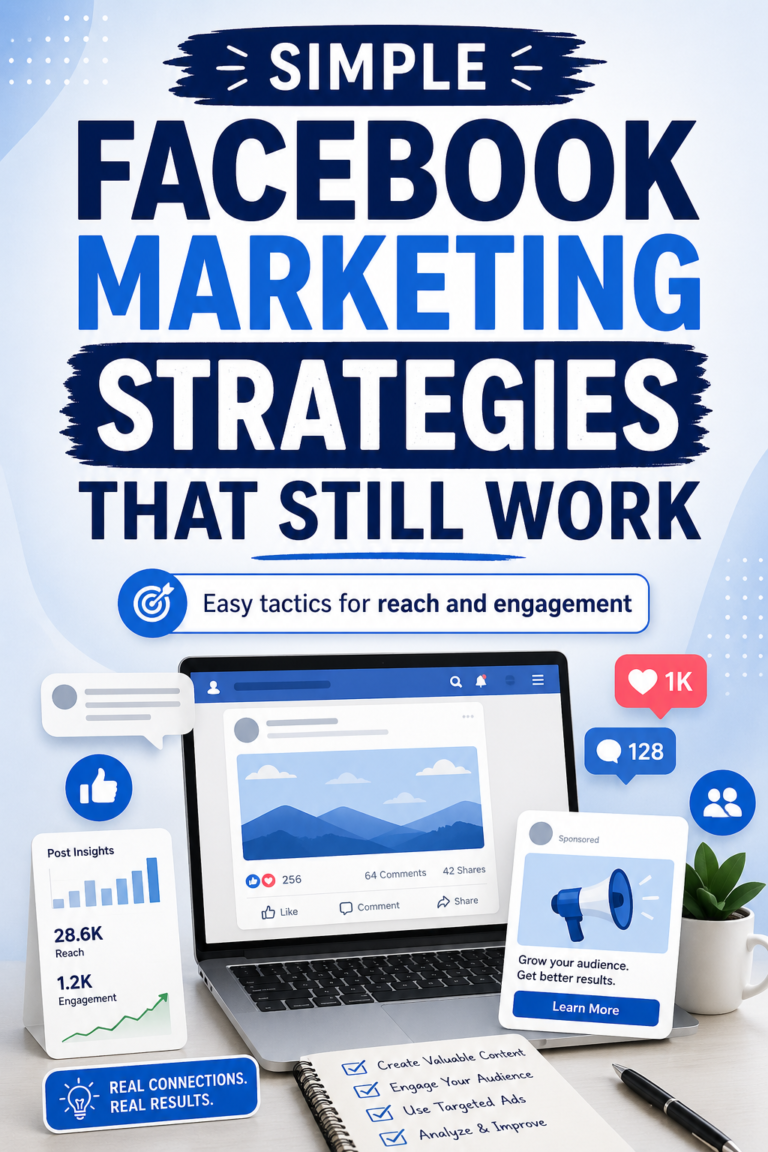
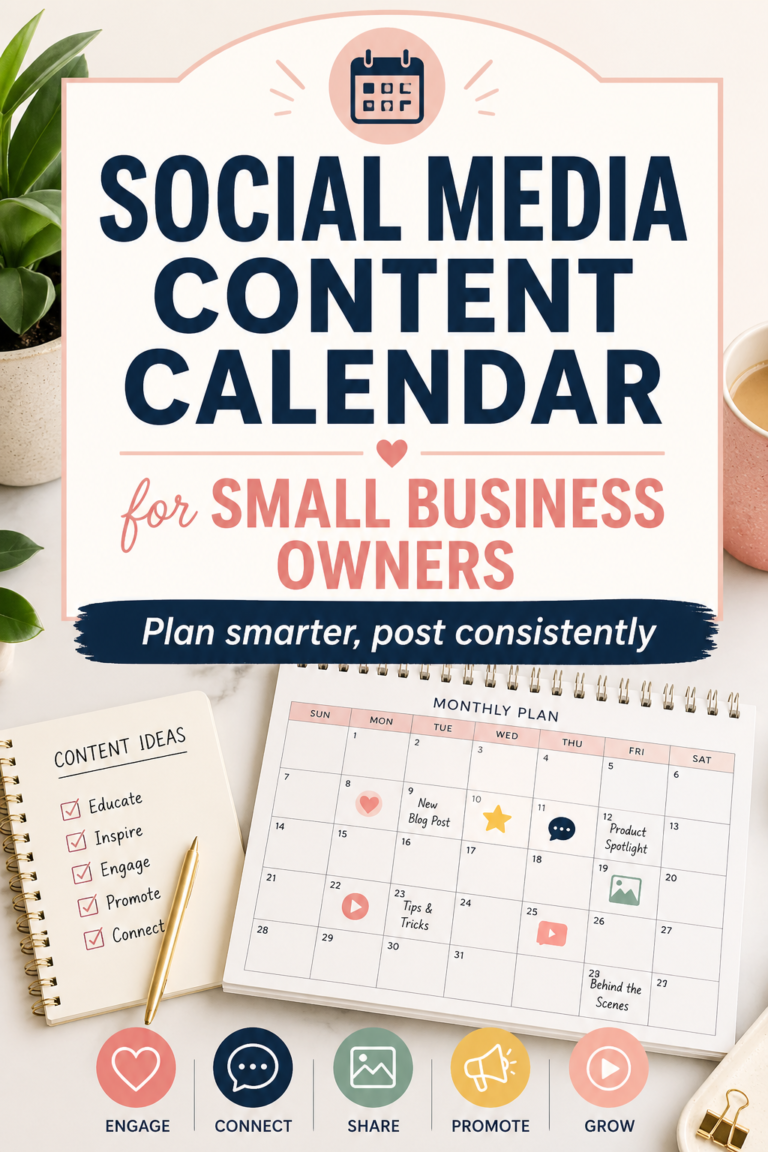
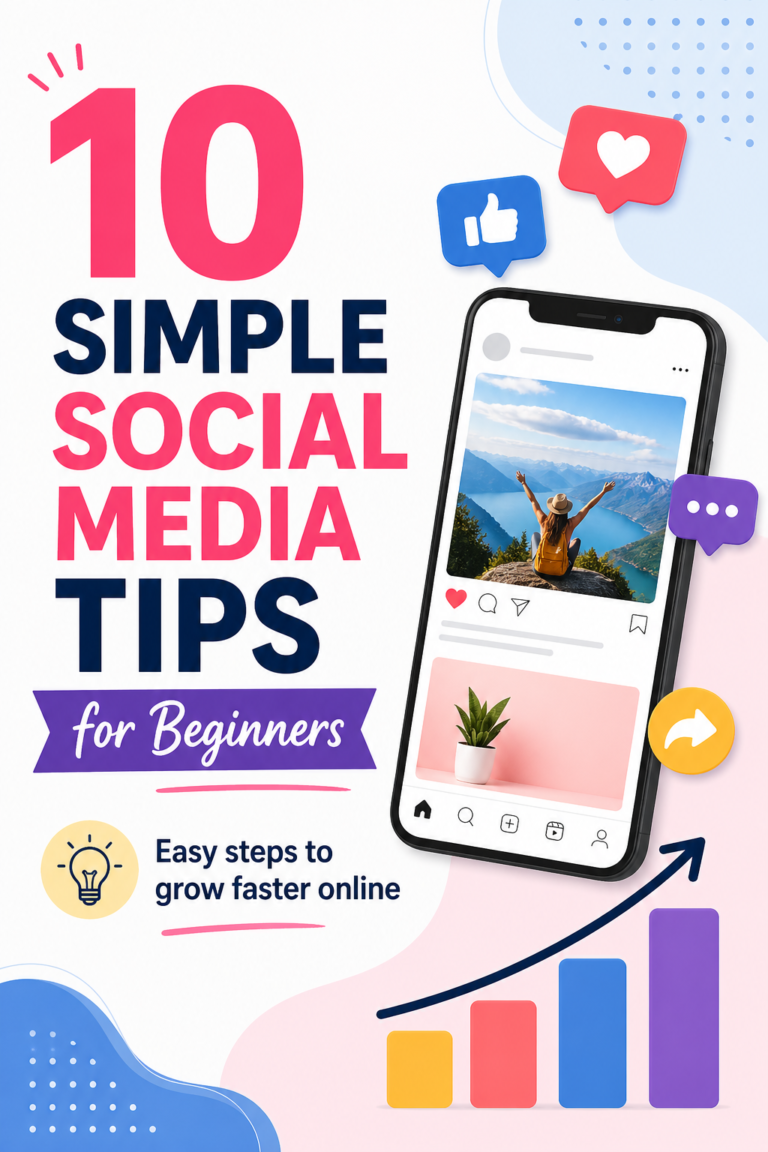
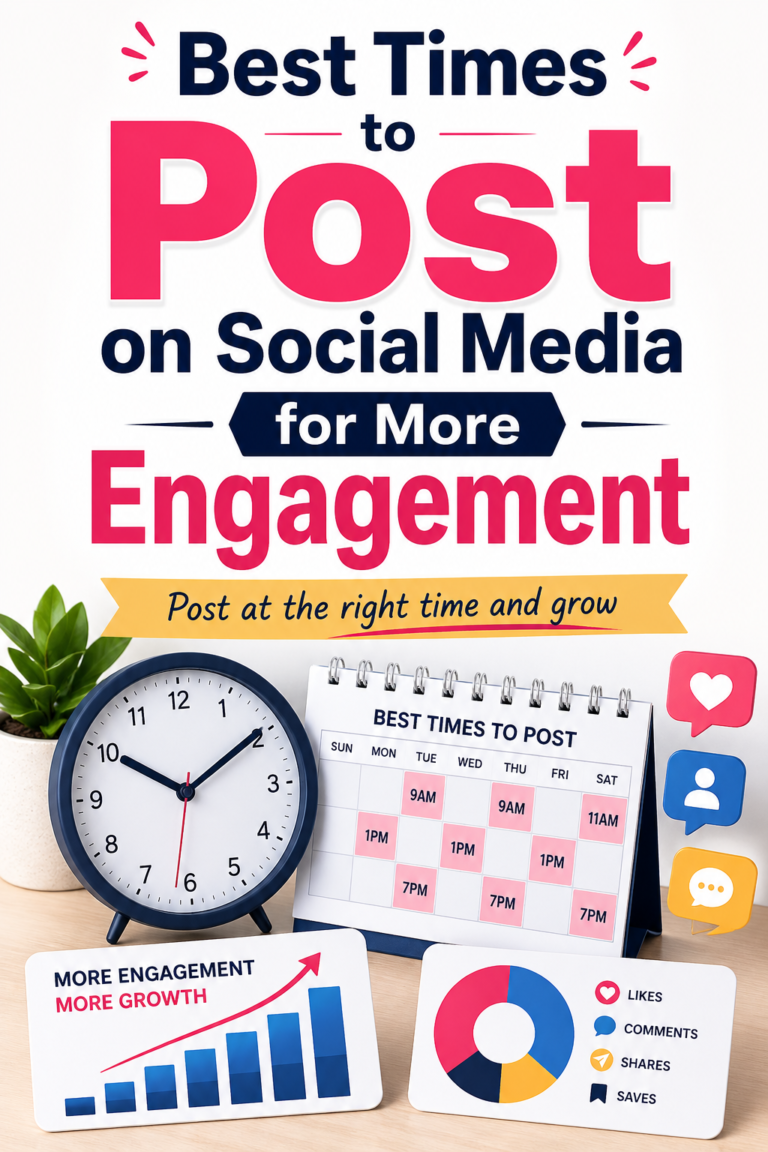
Step 3: Design Pins That Stop the Scroll
Vertical pins (1000x1500px) perform best on Pinterest. Your pin image should be visually striking, include bold text that communicates the value of clicking, and use your brand colors consistently.
Kittl has a growing library of Pinterest pin templates that are stunning, fully customizable, and sized correctly. You can create a batch of professional pins in under an hour — no design experience needed.
Step 4: Write Keyword-Rich Pin Descriptions
Every pin needs a description that includes the keywords your audience is searching for. Think about what problem your pin solves and what words your audience would type into the Pinterest search bar to find it.
A good pin description is 150–300 characters, includes two to three relevant keywords naturally, and ends with a soft call to action.
Step 5: Schedule and Stay Consistent
Pinterest rewards consistent pinners. Aim to publish five to ten pins per day — a mix of your own content and relevant repins. This sounds like a lot, but it becomes manageable with the right tool.
Tailwind is the leading Pinterest scheduling tool used by top bloggers and marketers worldwide. Its SmartSchedule posts your pins at optimal times automatically, and Tailwind Communities allow you to share your pins with other creators for added reach. One scheduling session per week is all you need.
Start Pinning and Watch the Traffic Grow
Pinterest is a long-term game — most accounts see significant traffic growth after 90 days of consistent pinning. The earlier you start, the earlier those results begin compounding. Set up your account, design your first batch of pins, and start scheduling today.